
Know what you'reactually looking at
Unvail (say it like “unveil”) checks images, video, music and text for signs they were generated by AI, and whether the claims in an article or a YouTube video hold up — right on the pages you already use. You get a likelihood or the sources, with the reasoning, never a bare verdict.
Free to use. No card required. The extension needs a desktop browser — on a phone, use it in your browser instead.
Try it now, no sign-up
Eight files Unvail has already checked, half made with AI and half not, and a video it has fact-checked. Open one, then see the result you would get for your own.
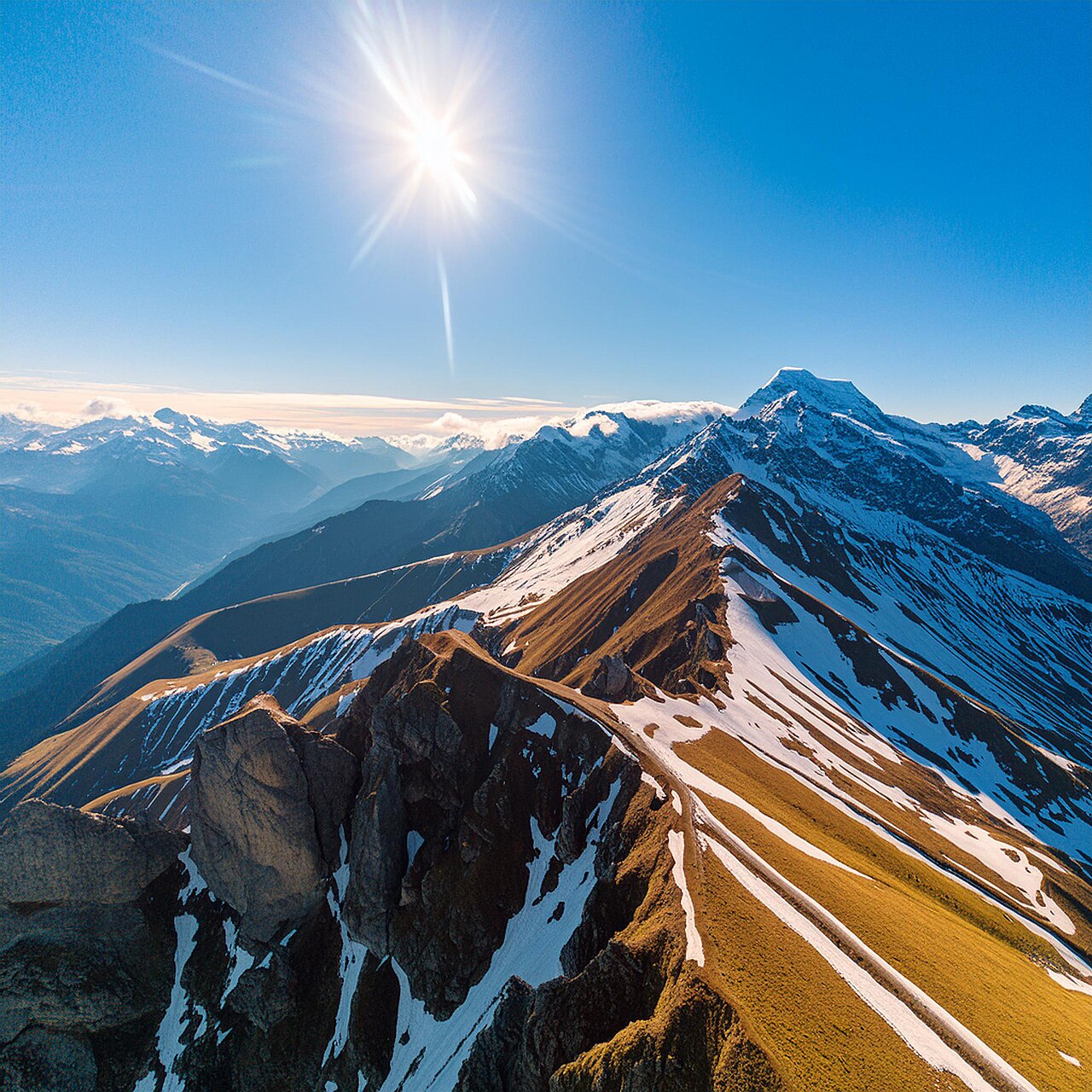
A landscape generated with Adobe Firefly
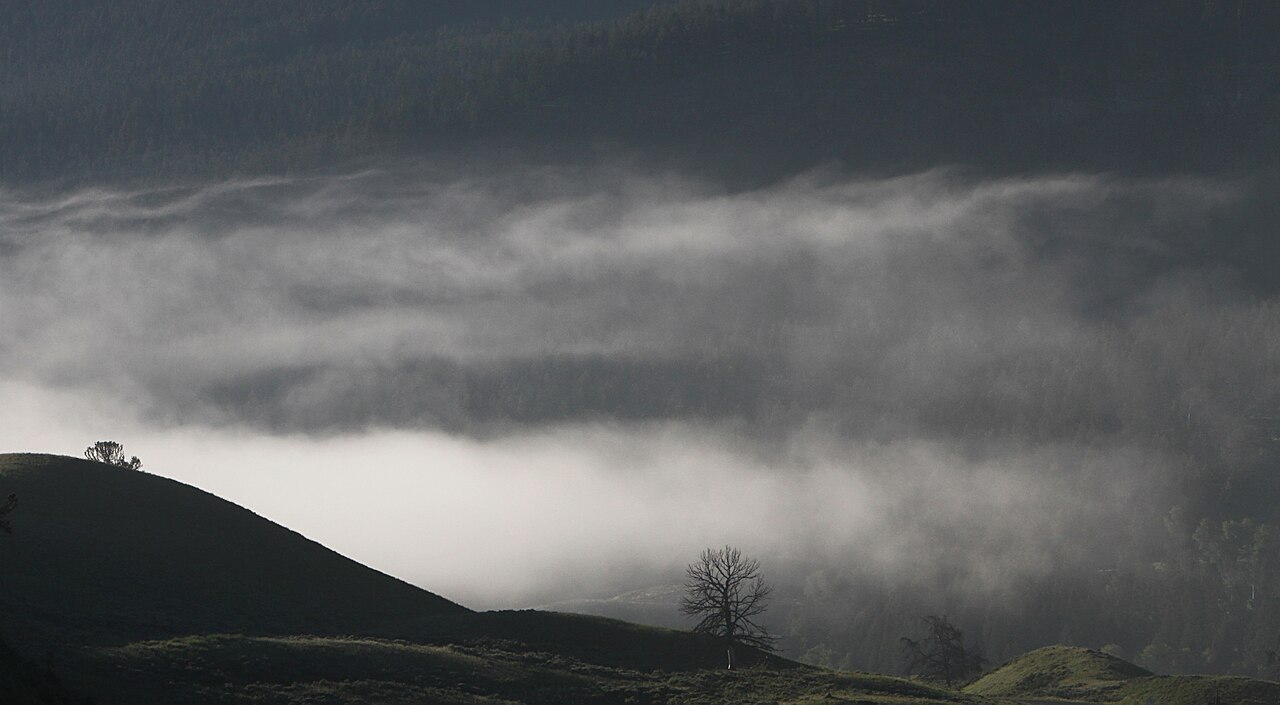
Soda Butte Valley, photographed by Yellowstone National Park
Free, no card. Your own files are checked once you are signed in. Where the samples come from
Four kinds of media, one click
Most detectors do one thing. Unvail covers what you actually run into while scrolling.
Images
Photos, art and screenshots, on any site you browse.
Video
Samples frames as it plays and tells you which stretch looks generated.
Music and voice
Tracks and spoken audio, including what is playing right now.
Text
Paste anything, or check an article where you found it.
And on articles and videos, a second question
Detection asks how something was made. A claim check asks whether what it says holds up. It pulls out the statements being made, searches for reporting on each one, and shows you what came back — which outlets agree, which disagree, and which claims nobody independent has covered at all.
A whole article
Click the Fact-check button in the corner of a news article, or right-click the page and choose “fact-check this page”.
Just what you highlight
Select the paragraph you doubt, right-click and choose “fact-check this passage”. Only that passage is checked.
YouTube, with timestamps
Choose Fact check from the Unvail badge on the player, for the whole video or just a part. Every claim shows when it was said; click the time to jump there.
You get a rating out of four for how well the piece stood up, then every claim with the sources behind it, so you can read them yourself. No extension? Paste a YouTube or article link into the Fact check tab of the web app. It is a map of what reporting exists. It is not a ruling on what is true.
Three steps, then it's out of your way
Add the extension
It sits quietly until you want it. Nothing is sent anywhere until you ask.
One click to check
A badge appears on any image or video you point at. Click it and the check begins.
Read the probability
A likelihood with the reasoning behind it — never a bare yes or no.
What Unvail will not tell you
It cannot prove how something was made. Detection is probabilistic, and it gets harder on content that has been edited, cropped, compressed or shortened, and on output from tools released after our engines were last updated. We show a likelihood and where it came from, so you can weigh it against everything else you know — which is why you'll never see us claim 100%.
How to read a result →